
Asterisk not running on the dialer box
The Asterisk process is dead, no calls can be placed or received until it's restarted.
Symptoms
- •All outbound dialing stops
- •Inbound calls ring indefinitely or return fast busy
- •`systemctl status asterisk` shows inactive or failed
- •Agents cannot login or log in successfully but immediately lose connection
Common causes
- •Asterisk crashed due to memory pressure or core dump
- •systemd unit stopped or not enabled
- •Configuration syntax error on last edit to `sip.conf` or `extensions.conf`
- •Missing or corrupt module preventing startup
How to fix it
- 1Start Asterisk: `systemctl start asterisk`
- 2If start fails, check `journalctl -u asterisk -n 100 --no-pager` for startup errors
- 3Run `asterisk -rvvv` as root to see module load errors interactively
- 4Validate config syntax: `asterisk -T -c` (dry-run syntax check)
- 5Enable auto-start: `systemctl enable asterisk`
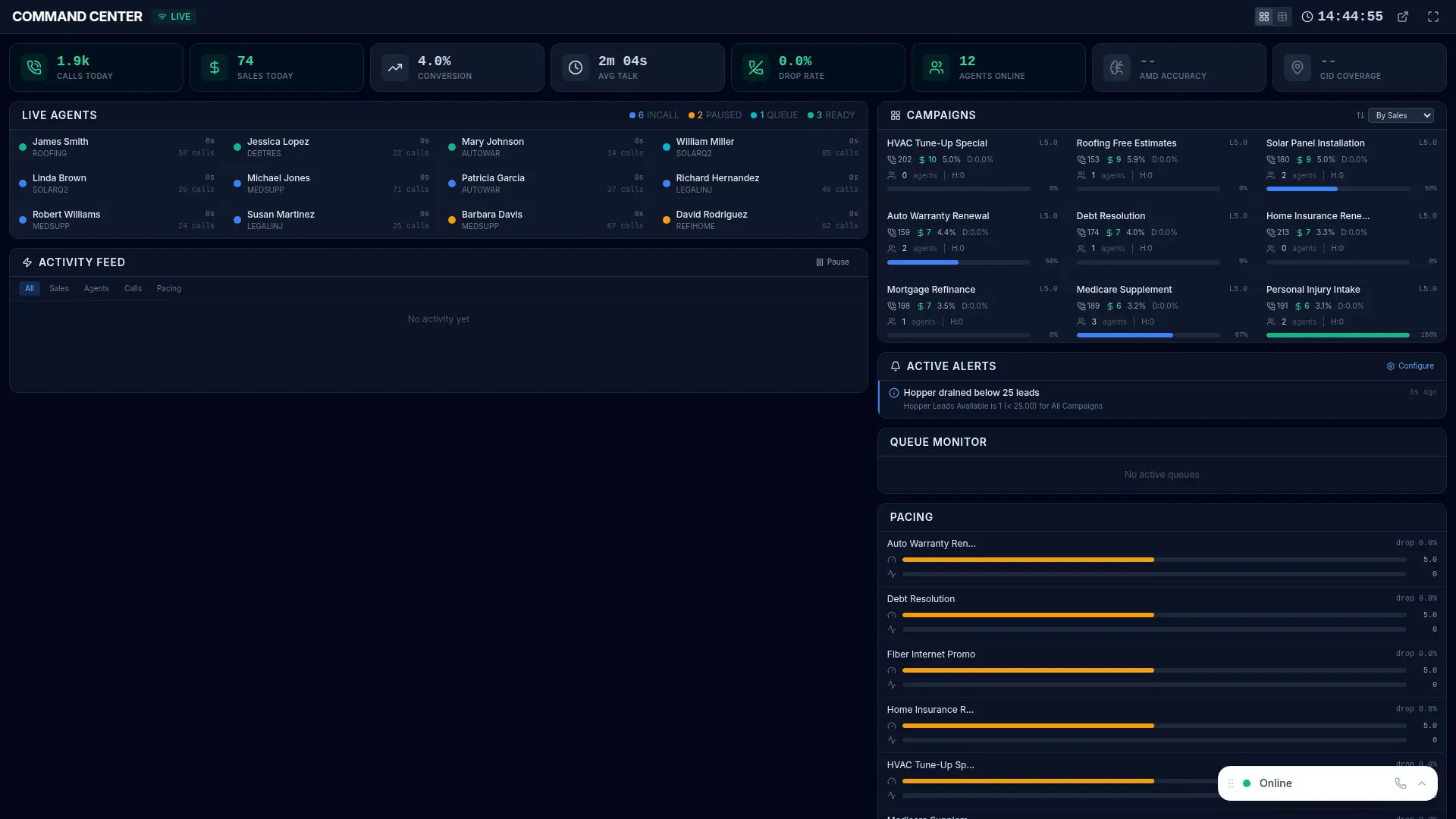
VICIPanel's NOC dashboard shows every dialer box's Asterisk health in real time, process state, channel count, CPU, last restart. An Asterisk death fires an alert before your agents know anything is wrong.
More Asterisk errors
Campaign dial level stuck at zero
Campaign auto-dial level drops to 0 and never recovers, dialing stops.
Dial prefix invalid for campaign
Campaign is configured with a dial prefix that doesn't match any Asterisk dialplan extension, every dial fails instantly.
Hopper empty, dialing paused
The pre-dial lead cache is empty and the fill cron hasn't run, dialing stops until new leads enter the hopper.
VICIdial worker process not running
One of VICIdial's background daemons (AST_send_listen, AST_update, etc.) has died.
Stop troubleshooting. Start operating.
VICIPanel's health dashboard catches most of these issues before they impact your agents, with plain-English diagnostics and one-click remediation.