
Database connection lost
VICIdial cannot reach MySQL/MariaDB, everything stops.
Symptoms
- •Agent interface shows database error on every page
- •Dialing stops, reports fail to load, CRM sync stops
- •`mysql` CLI from the web server fails to connect
Common causes
- •MySQL process crashed or OOM-killed
- •Disk full, preventing transaction commits
- •Replication lag pushed the replica out of sync and caused failover issues
- •Network partition between web server and database server
How to fix it
- 1Start MySQL: `systemctl start mysqld` (or mariadb)
- 2If start fails, check `/var/log/mysql/mysql.log` for the actual cause
- 3Check disk space: `df -h`, MySQL commits fail at 95% full
- 4If replica, check replication status: `SHOW SLAVE STATUS\G`
- 5Restart the web server after MySQL is up so connection pools re-establish
VICIPanel diagnostic for: Database connection lost
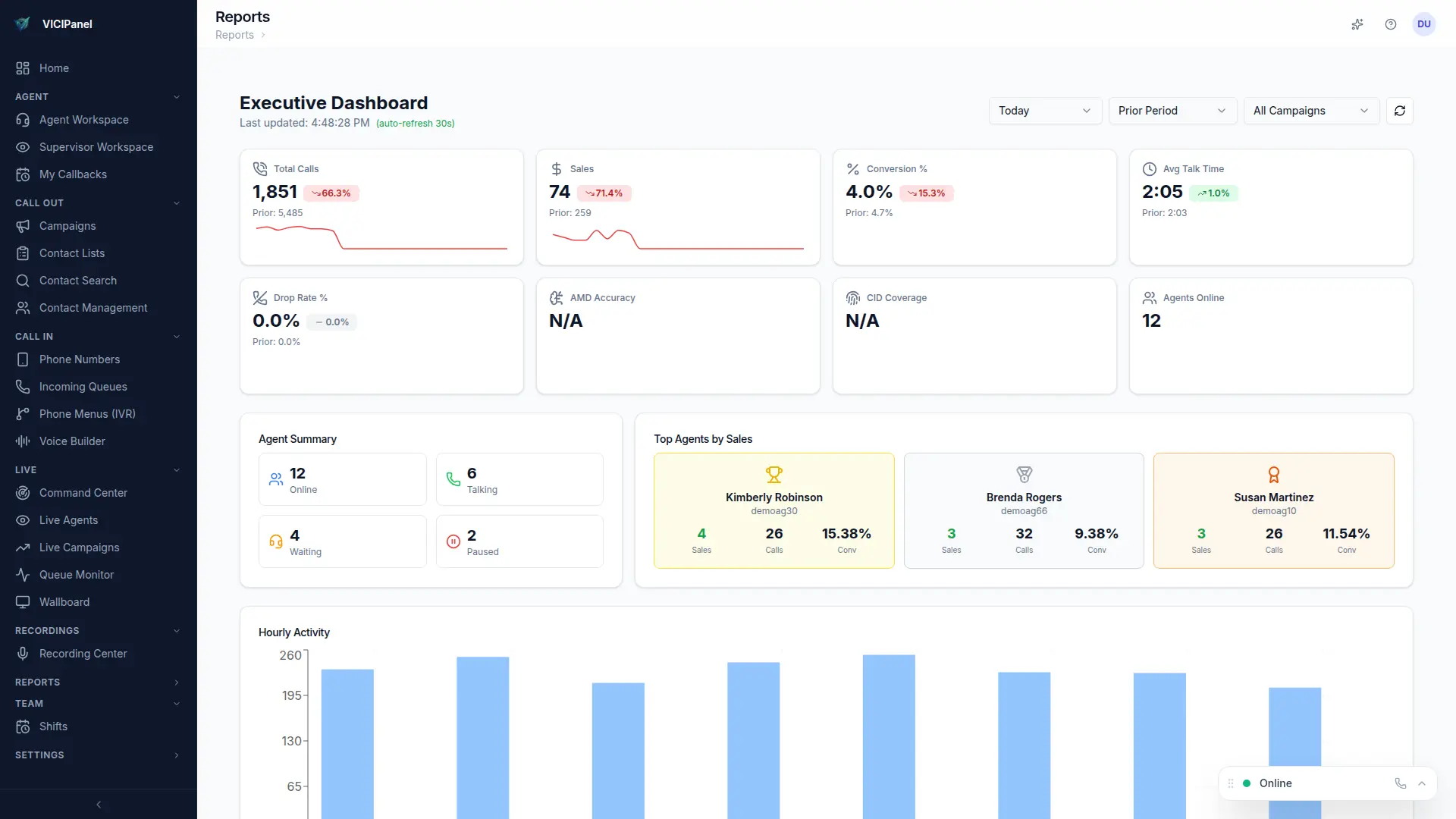
How VICIPanel helps
VICIPanel's health dashboard monitors database connection from every app server and alerts on latency spikes before the pool exhausts.
Related issues
More Database errors
Lead list not loading to hopper
Imported list exists but leads never appear in the hopper for dialing.
Callback not firing at scheduled time
Scheduled callback is set but never re-enters the hopper at the expected time.
Report times out loading
Running a report (especially on large date ranges) times out before returning data.
Time synchronization error
Server clock drift is causing auth failures, SSL issues, or report inconsistencies.
Stop troubleshooting. Start operating.
VICIPanel's health dashboard catches most of these issues before they impact your agents, with plain-English diagnostics and one-click remediation.