
Every campaign in VICIPanel comes down to four decisions: what list, what script, what dispositions, and what pacing. This guide walks through the decision each one with the safe default for a first-time setup.
1. Pick a list
Contacts → Lists → New. The list is the pool of phone numbers the campaign dials. Upload a CSV with phone number + any fields you want on the agent screen (first name, last name, email, account number, etc.).
We run automatic federal DNC scrubbing on every upload. Suppressed numbers stay on the list but are never dialed. You will see the suppression count on the list summary after import.
2. Pick or write a script
Campaigns → Scripts. The script is what the agent sees on-screen when a call connects. Use merge fields like {first_name} and {account_number} to pull data from the lead record into the script text.
Start simple. A one-paragraph opening script and three bullet objection responses is enough to launch. You can evolve it based on what your agents actually say.
3. Configure dispositions
Dispositions are the outcome codes your agents pick at the end of every call. Common ones: SALE, CALLBK (callback scheduled), NI (not interested), DNC (do not call). Every disposition you define tells VICIPanel what to do with the lead next, retry, suppress, or move on.
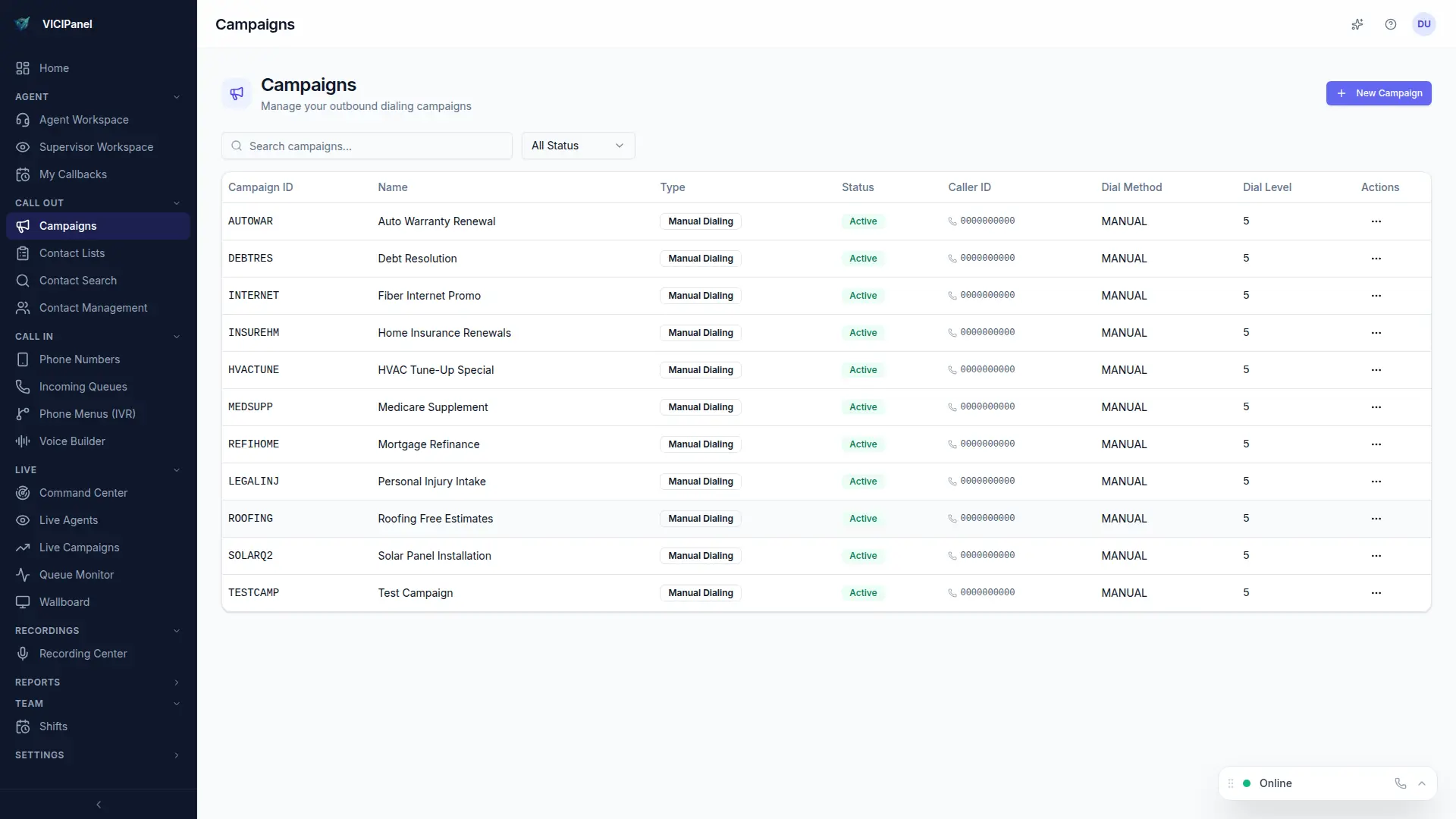
4. Set pacing
Start with Progressive mode on your first campaign. One dial per available agent, zero abandon risk, and your team gets to practice without compliance worry. Move to Predictive once you have a feel for your contact rate and agent utilization.
Predictive dialing at dial levels above 2.0 can push your abandon rate over the TCPA 3% ceiling. Check rolling abandon rate on the Command Center before cranking pacing up.